
Color Key
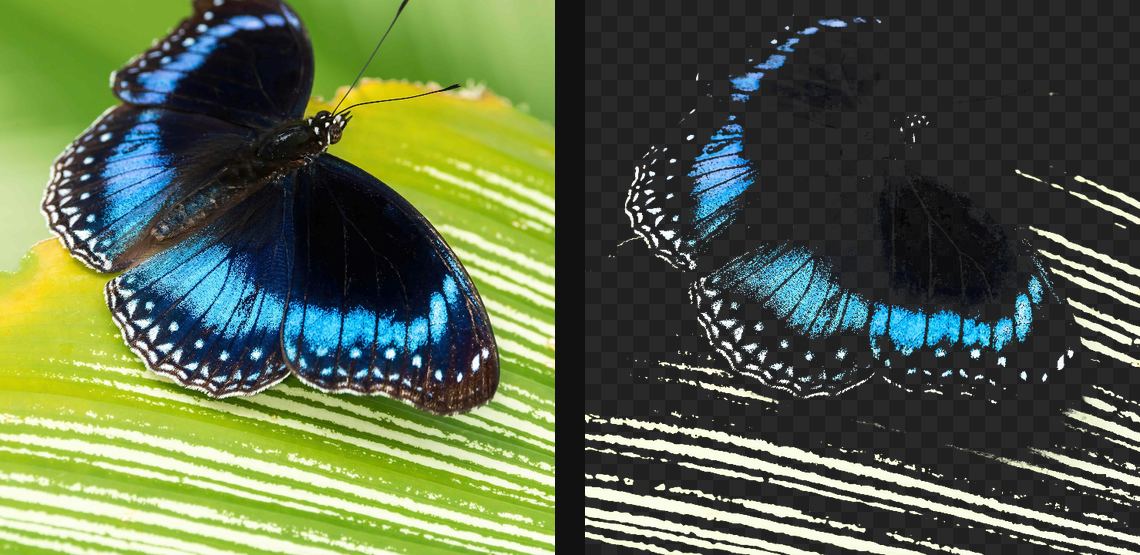
Use hue and colour distance to remove keyed colours such as green-screen backgrounds.
Add Color Key
Open an image or build the source composition first. Put this effect after the content it should process in stack processing order. Choose Select & Mask → Key → Color Key in the effects picker, or search for Color Key with Cmd/Ctrl + F. Select the new layer in Layers to open its Effect Panel.
Pick the colour
Set Key Color to the background colour you want to remove. Adjust Tolerance and Distance while watching which pixels disappear.
Refine the edge
Increase Softness or Feather to smooth the transition. Use Invert to keep the keyed colour instead, and Strength to control the transparency change.
Set an individual colour
Click the relevant colour swatch to open its picker. Colors and Palettes explains colour values, transparency and the canvas sampling controls where available.
Compare and finish
Toggle the layer eye to compare with the incoming composition. Use the Effect Panel footer for opacity and blend mode, or add a mask to limit the affected area. In Video or Live, use the function menu on a supported control to add keyframes or a driver.
Control reference
Show individual controls
| Control | What it does | Values and animation |
|---|---|---|
| Distance | How colour similarity is measured. Chroma ignores brightness — the proper chroma key. | RGB / Weighted / Chroma Default: RGB Not keyframeable |
| Feather | Blurs the matte to smooth grain / anti-alias the holes. | 0 to 100 %; 1 to 2000 px (typed input: 1 to 8000) Default: 0 % Continuous keyframes |
| Invert | Reverses which pixels are retained by the key. | On / Off Default: Off Discrete keyframes |
| Key Color | Source colour removed by Color Key. | Colour Default: #00ff00 Not keyframeable |
| Softness | Falloff band above the tolerance. 0 = a hard, binary key. | 0% to 100% Default: 5% Continuous keyframes |
| Strength | Blends the keyed alpha with the original source alpha. | 0% to 100% Default: 100% Continuous keyframes |
| Tolerance | Colour distance from Key Color accepted for removal by Color Key. | 0% to 100% Default: 25% Continuous keyframes |