
Brush
Paint directly on the canvas with adjustable brush size, hardness, colour, and opacity.
Add Brush
Open a project or create a blank one. This layer can create its own visible content. Choose Primitive → Brush in the effects picker, or search for Brush with Cmd/Ctrl + F. Select the new layer in Layers to open its Effect Panel.
Paint on the canvas
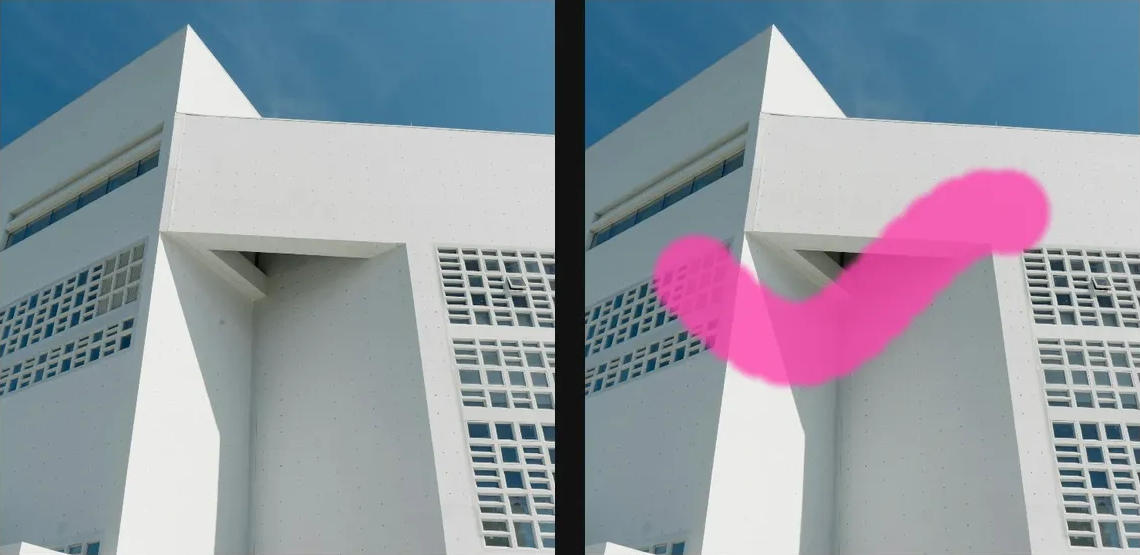
Select the Brush layer, choose Mode, Color, Size, Hardness and Opacity, then drag on the canvas. Paint adds strokes; Eraser removes painted coverage.
Control the brush
Use [ and ] for size, Shift + [ and ] for hardness, and number keys for opacity. X swaps foreground and alternate colours; D resets them. Adjust brush settings before the next stroke and use Undo to remove an unwanted stroke.
Set an individual colour
Click the relevant colour swatch to open its picker. Colors and Palettes explains colour values, transparency and the canvas sampling controls where available.
Compare and finish
Toggle the layer eye to compare with the incoming composition. Use the Effect Panel footer for opacity and blend mode, or add a mask to limit the affected area. In Video or Live, use the function menu on a supported control to add keyframes or a driver.
Control reference
Show individual controls
| Control | What it does | Values and animation |
|---|---|---|
| Default Bg Color | Alternate brush colour kept for quick swapping with the foreground colour; it does not fill the canvas. | Colour Default: #000000 Not keyframeable |
| Color | Colour applied to newly painted strokes. | Colour Default: #ffffff Colour keyframes |
| Hardness | Sets how hard the edge of each new brush stamp is. | 0 to 1 Default: 0.7 Continuous keyframes |
| Mode | Paint adds coloured strokes; Erase removes painted coverage. | Paint / Eraser / Dodge / Burn / Sponge Default: Paint Not keyframeable |
| Opacity | Sets the opacity of newly painted brush strokes. | 0 to 1 Default: 1 Continuous keyframes |
| Shape | Chooses a round or square brush stamp. | Round / Square Default: Round Discrete keyframes |
| Size | Sets the width of newly painted brush strokes. | 0.5 to 50 %; 1 to 500 px (typed input: 1 to 4000) Default: 8 Continuous keyframes |
| Strokes | Painted canvas strokes, including their points, colour, opacity and brush shape. | Editable collection Default: None Not keyframeable |