
Vignette
Darken, tint, or frame the image edges with radial or rectangular falloff.
Add Vignette
Open an image or build the source composition first. Put this effect after the content it should process in stack processing order. Choose Optics → Lens → Vignette in the effects picker, or search for Vignette with Cmd/Ctrl + F. Select the new layer in Layers to open its Effect Panel.
Frame the subject
Set Center X and Center Y on the subject, then Radius and Shape for the vignette boundary.
Set the falloff
Use Amount for the edge darkening and Softness for the transition. Aspect Bias stretches the vignette to suit the framing; compare corners at full image view.
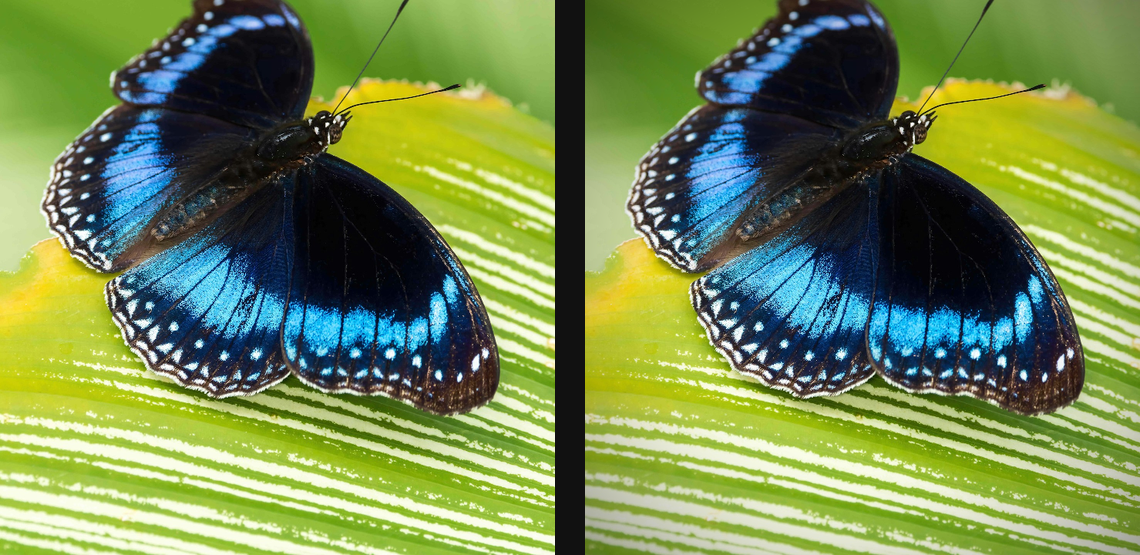
Compare and finish
Toggle the layer eye to compare with the incoming composition. Use the Effect Panel footer for opacity and blend mode, or add a mask to limit the affected area. In Video or Live, use the function menu on a supported control to add keyframes or a driver.
Control reference
Show individual controls
| Control | What it does | Values and animation |
|---|---|---|
| Amount | Blends the image toward Vignette Colour near the chosen shape's boundary; zero leaves the source unchanged. | 0% to 100% Default: 60% Continuous keyframes |
| Aspect Bias | Changes the vignette's horizontal-to-vertical proportions. | -1 to 1 Default: 0 Continuous keyframes |
| Center X | Horizontal centre point for radial modes. | 0 to 1 Default: 0.5 Continuous keyframes |
| Center Y | Vertical centre point for radial modes. | 0 to 1 Default: 0.5 Continuous keyframes |
| Radius | Outer extent of the vignette shape; smaller radii pull its boundary toward the centre. | 0 to 100 %; 1 to 2000 px (typed input: 1 to 8000) Default: 50 % Continuous keyframes |
| Softness | Width of the fade from the vignette centre toward its boundary; zero makes a hard edge at Radius. | 0% to 100% Default: 70% Continuous keyframes |
| Shape | Chooses the shape of the vignette boundary. | Circle / Rectangle Default: Circle Discrete keyframes |